One calendar for family, club, class or team
Create groups and subgroups, invite via 6-digit code and assign clear roles. Everything syncs straight into your private main calendar.
Appointments, tasks, reminders, shift rosters and shared planning in one fast workspace for families, schools, teams and clubs. Start free in your browser with zero ads.
Try it instantly without an account. Hosted in Frankfurt, Germany, so your data stays yours. Try without an account

Inside TimePeek
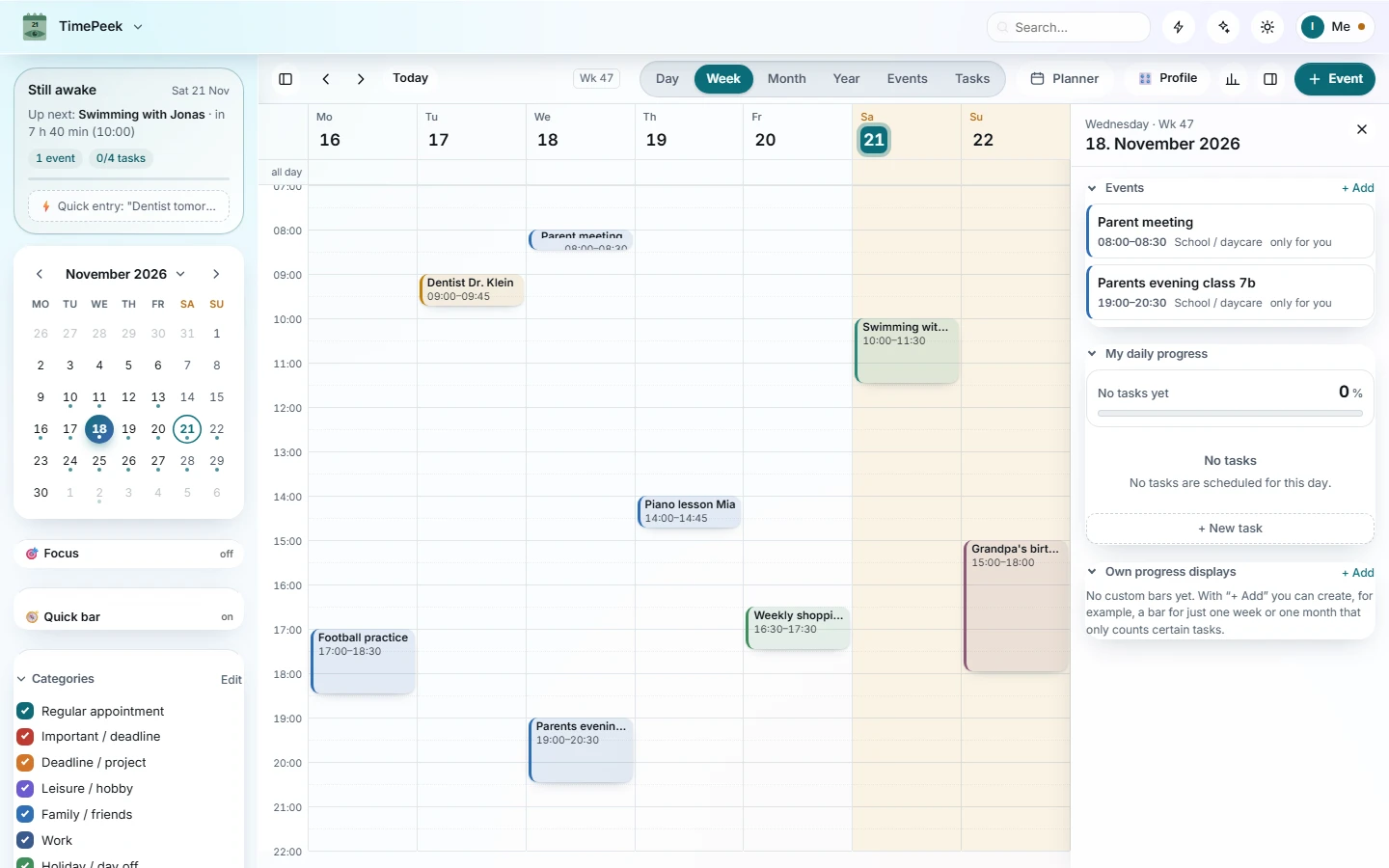
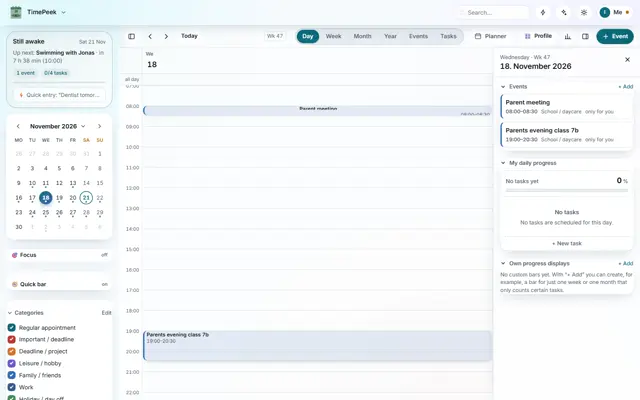
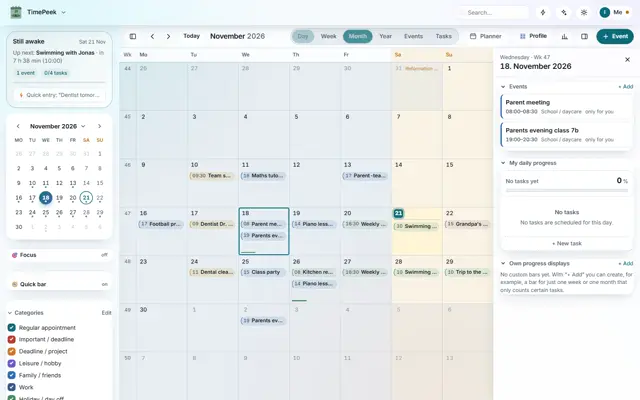
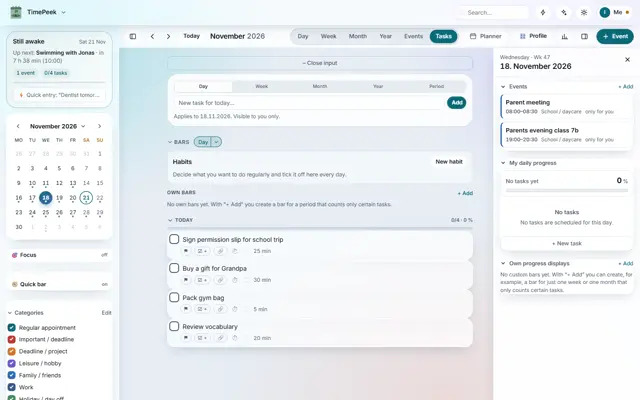
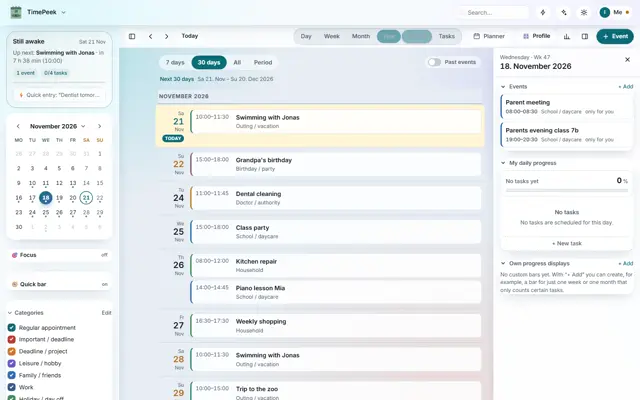
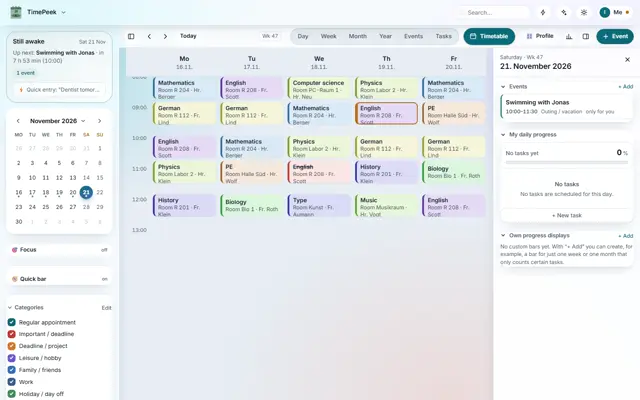
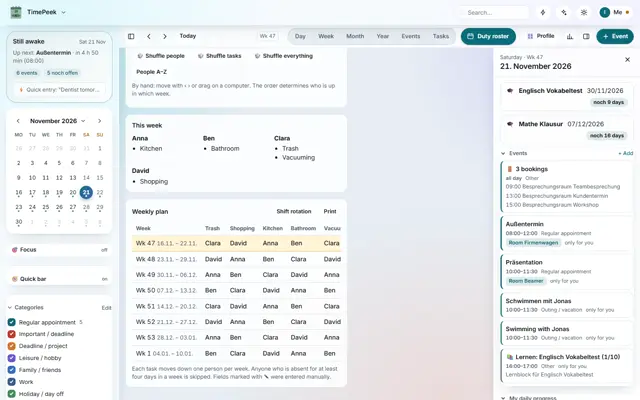
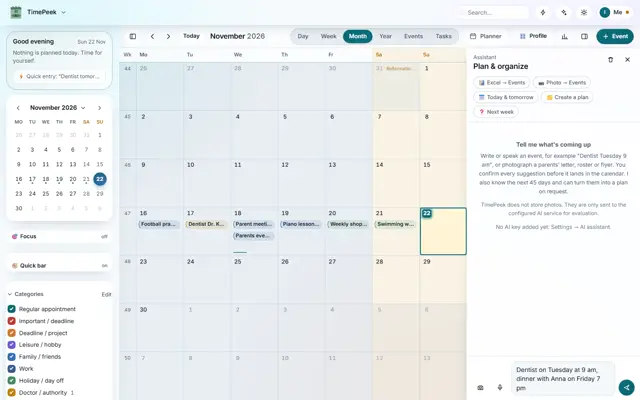
Calendar, wall calendar, print newspaper, shared groups and booking pages in one app. On phone, in your browser, on Android and as a Windows app.
Two signature TimePeek specials
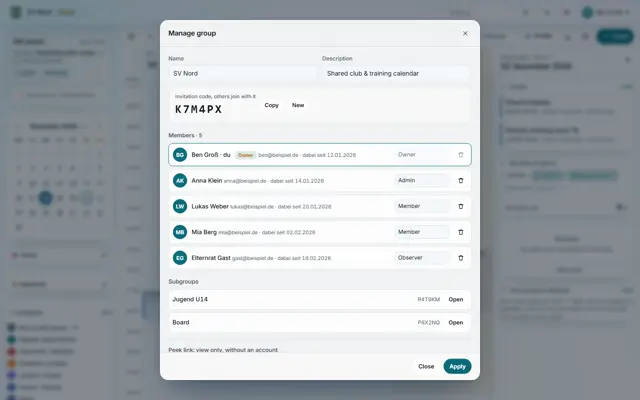
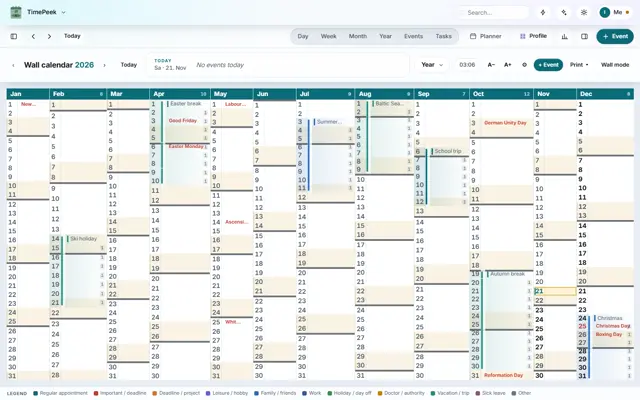
What sets TimePeek apart: structured group calendars with clear roles and a calm wall calendar with multi-day spanning lines.
Create groups and subgroups, invite via 6-digit code and assign clear roles. Everything syncs straight into your private main calendar.
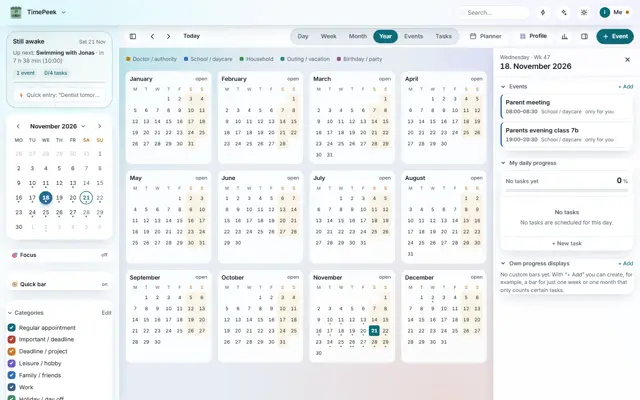
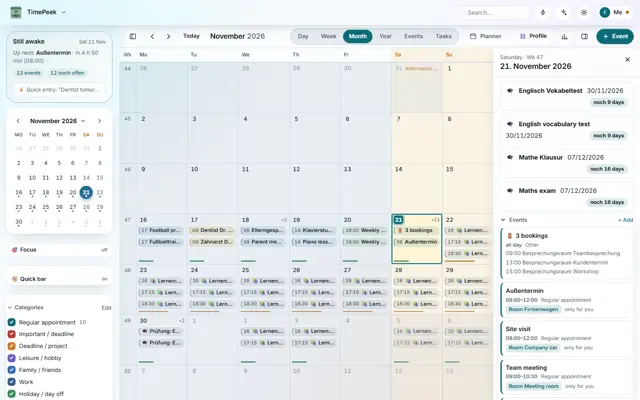
All twelve months side by side like a real wall planner: multi-day events run as continuous bars across several days without cluttering the view. Switch to month, week or day when you need to.
All views, 2 shared groups, tasks, habits, offline access and 9 languages.
Open free workspace →From €2.08/month yearly: wall display, print newspaper, booking page, WebUntis and insights.
Compare Pro & Max →Central licences, email-free student accounts, instant Art. 28 GDPR DPA and 30-day pilot.
Organisation offers →Every area at a glance
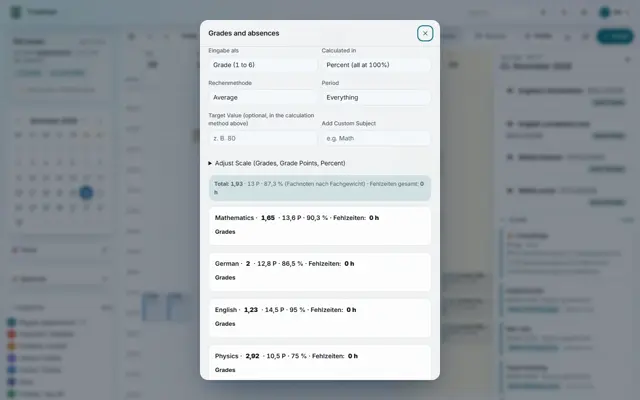
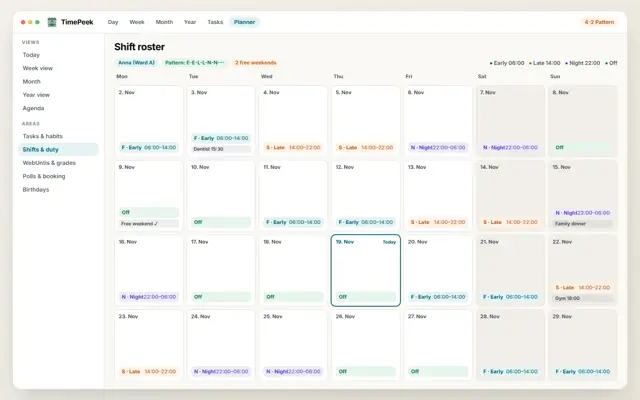
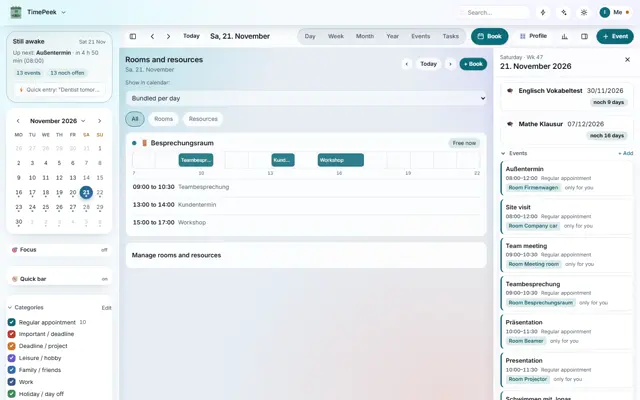
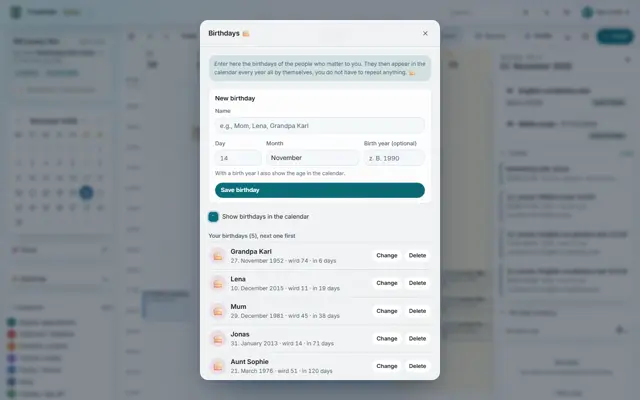
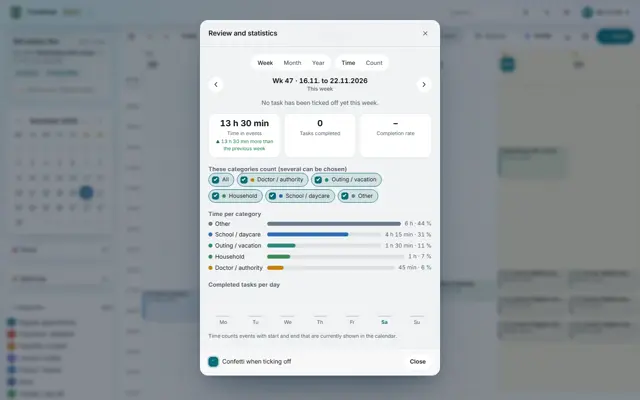
Tap any card to enlarge. Every image shows a real functional area of TimePeek.


Five themes
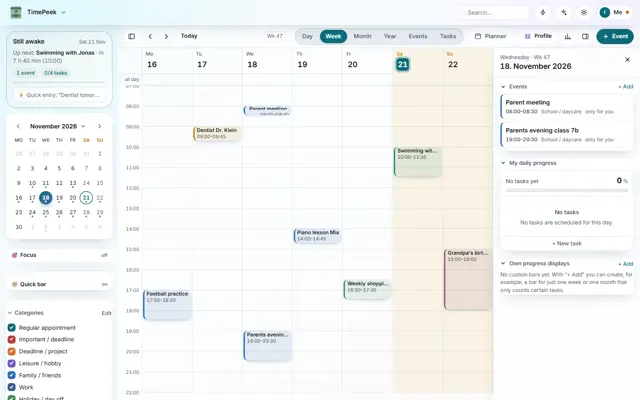
Drag the slider between light and dark, or switch between week and month.
Light
Dark
Warm alabaster, calm hairlines and signature petrol. Free forever.
Standard is free. Each theme is €1.99 once, or all together for €4.99 (included in Max).
Everywhere you plan
Start straight in the browser, install as an app and keep planning offline.
Runs right away on any laptop, Chromebook or tablet.
Fast installable app with local reminders on your phone.
Launch cleanly as a lightweight desktop app.
Events stay available offline and sync automatically.
For you alone, for a group or for a whole school, club or company.
Transparent pricing
Core planning stays free forever. Upgrade to Pro or Max when you need more groups, email alerts or themes, and cancel in one click.
Everything you need for daily planning
More groups, wall display and smart tools
For power users, teams and all themes
All views, appointments, tasks, categories, holidays, offline mode and all 9 languages are included in every plan. All prices are final prices (including the VAT shown at Stripe before purchase; yearly billing: Pro €24.99/year, Max €49.99/year). Subscriptions and themes include a 14-day right of withdrawal; for subscriptions it does not expire upon immediate start (on withdrawal, only a pro-rata amount for time already used may be charged), and individual themes can be returned within 14 days directly in the app or via Cancel contracts here for a refund. Full details are in our Terms and Right of Withdrawal.
Transparent limits across Free, Pro and Max. Expand any row for real-world examples.
A group is a shared calendar with its own members.
Example: “Family” for appointments at home and “Football” for the club.
Remembers which groups and categories you want to see right now.
Example: the profile “Work” hides private items, “Weekend” shows only family.
Your calendar as a newspaper, with remembered print settings.
Example: a “Weekly paper” layout with tasks and appointments for the fridge.
How many people you can manage in one shift plan.
Example: a café with five employees and a weekly roster everyone can see.
Add other calendars by address (Google, Outlook, iCloud).
Example: your work calendar shows up next to your private appointments.
Recurring goals with a streak so you stay on track.
Example: “Read for 10 minutes” every evening, the streak counts the days in a row.
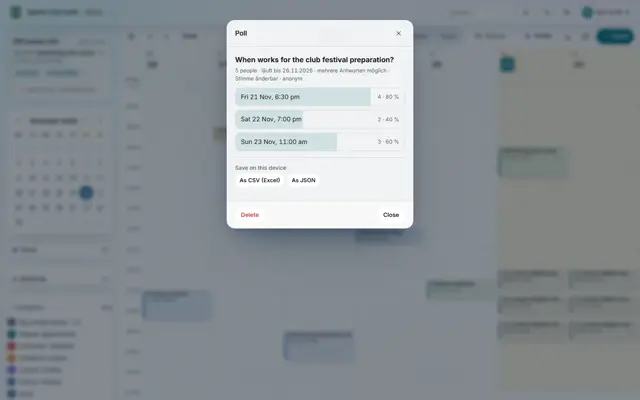
Offer date suggestions to vote on, also for people without an account.
Example: barbecue night, three dates to vote on, one link in the group, done.
Links without an account for your private main calendar and per group (optionally “Busy” only or with a PIN).
Example: grandma sees your family week, or the coach shares the hall times via a link.
Subjects for which you keep grades and averages.
Example: all school subjects plus electives, with an average per term.
Exams with date, study blocks and reminder.
Example: maths exam in two weeks, TimePeek puts study blocks before it.
Rooms, cars or devices the group books together.
Example: the meeting room is already taken on Tuesday at 10 am.
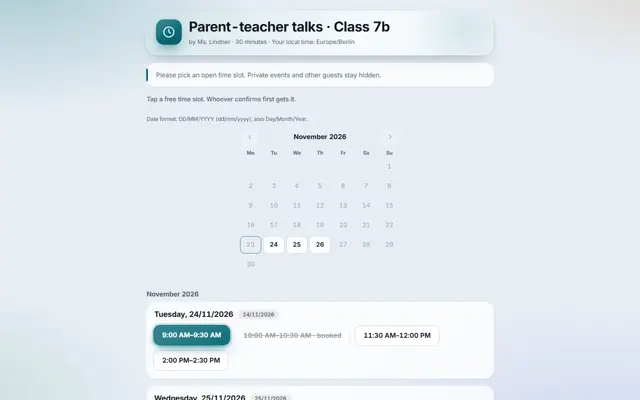
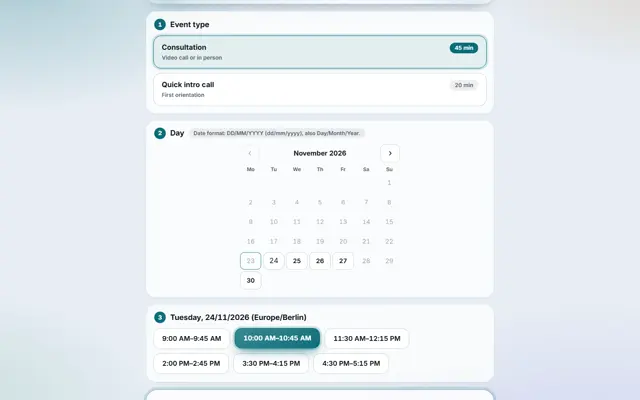
Show the calendar large on a screen, print it, a booking page for customers.
Example: a tablet in the hallway shows the week, customers book free times themselves.
Monthly and yearly review, widgets, timetable from WebUntis, calendar subscription link.
Example: your timetable arrives in the calendar automatically.
Reminders that arrive as an e-mail.
Example: dentist appointment: an e-mail the evening before, even if your phone is off.
Deleted by accident? You get it back.
Example: restore last week's deleted appointment with one click.
Connections to other services (up to 10 webhooks per account) and automatic printing.
Example: every Monday the weekly overview prints itself.
All extra designs are included.
Example: “Newspaper”, “Retro”, “Nordic” and “Gold” are ready right away.
All feature limits are clearly stated per plan. Fair technical safeguards apply to keep the service stable and secure (see Terms Section 2 (7)).
Four everyday scenarios TimePeek was built to untangle.
Before: sticky notes on the fridge, scattered chats and double-booked appointments.
After: one shared family calendar with automatic school holidays and a printable Sunday weekly newspaper.
Before: timetable in one app, exams on paper, revision started too late.
After: WebUntis synced straight into your week, live exam countdowns and study blocks scheduled ahead of time.
Before: outdated spreadsheet rosters sent by email and endless group-chat polls.
After: one live shift roster, one-link date polls with no account needed and conflict-free room bookings.
Before: five tabs open and assignment deadlines buried between lectures.
After: courses, grade averages, habit streaks and distraction-free Focus Mode in a single workspace.
Your calendar is private. We build TimePeek so you can rest easy.
Independently built in Hamburg
I am Ben Emanuel Groß, building TimePeek independently in Hamburg as a calm, long-lived tool with zero investor pressure and zero data brokers. Your feedback goes straight to the builder, and our Trust Centre documents every security and GDPR safeguard openly.
There is a free plan with all the important features. Pro and Max are optional plans with more room and extra tools. What you have created stays yours.
No. TimePeek runs in the browser at timepeek.de, on the computer as well as on the phone. You can also add the page to your home screen as an app. An Android app and a Windows app are in the works.
Yes. You start a group and invite others with a code. For each appointment you decide whether it stays private or is visible to the group. There are also links that let people see free times or vote without an account.
Yes, data that has already been loaded can be viewed and edited offline. Changes are synced as soon as you are connected again.
In a database in Frankfurt am Main. How we process data is explained in the Privacy Policy. You can back up your data and delete your account at any time.
In the app under Settings, Plan, or without signing in on the page Cancel contracts here.
The help page explains the features. If you have questions, write to us via the contact form; you can stay anonymous if you like.
Try TimePeek, free and without installation.
Start for freeSign in to see your calendars.
Information on how we process your data is available in our Privacy Policy. Our Terms apply.