A front page that writes itself
Every issue gets a headline from your own data: the busiest day, the quiet days, the planned time. You write nothing, you just print.
Newspaper design & print edition
Appointments, tasks and weather become a front page every week, with a headline, columns and classic typography. On screen as a theme, on paper as a print edition for kitchens, classrooms and offices.
Headlines
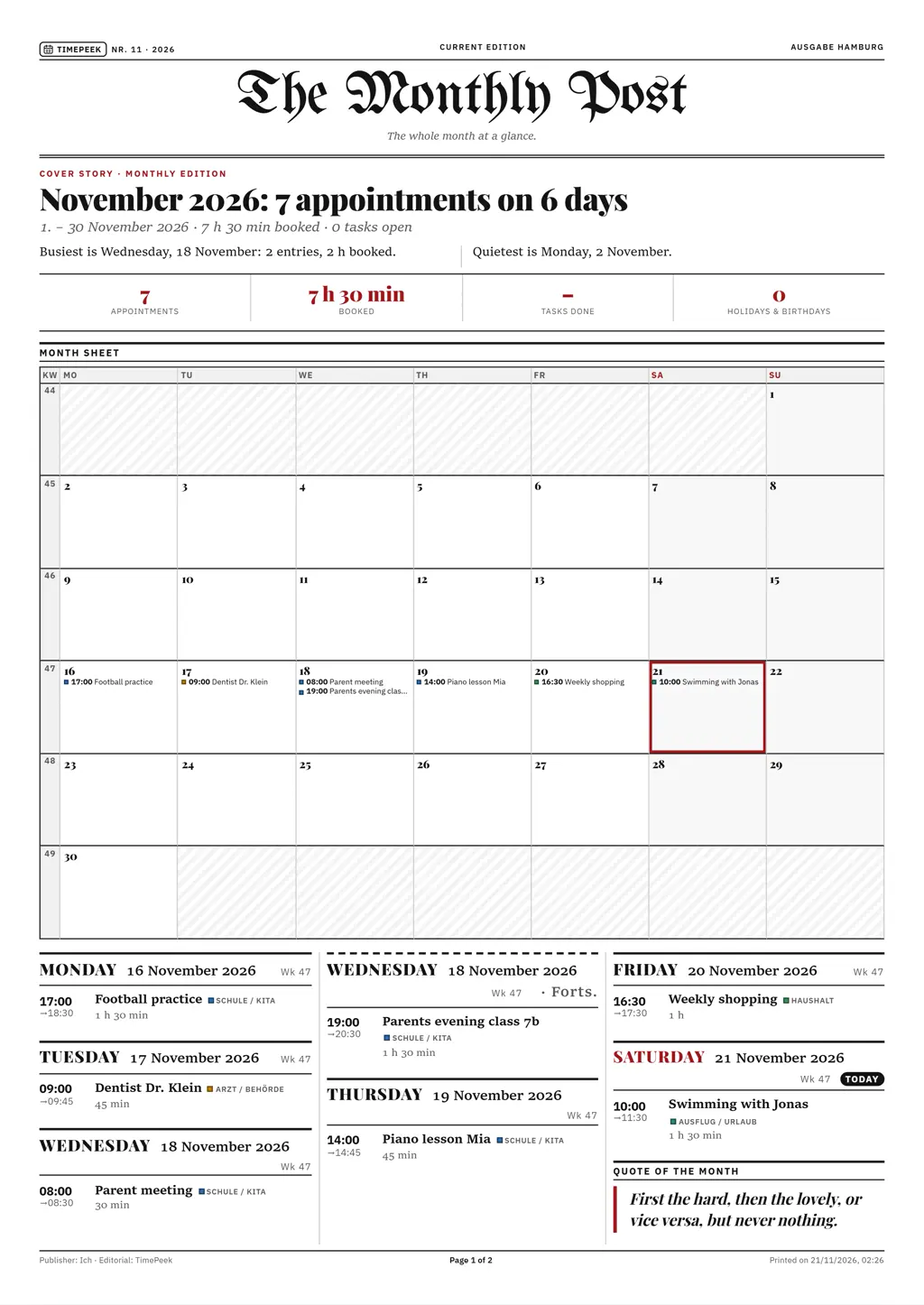
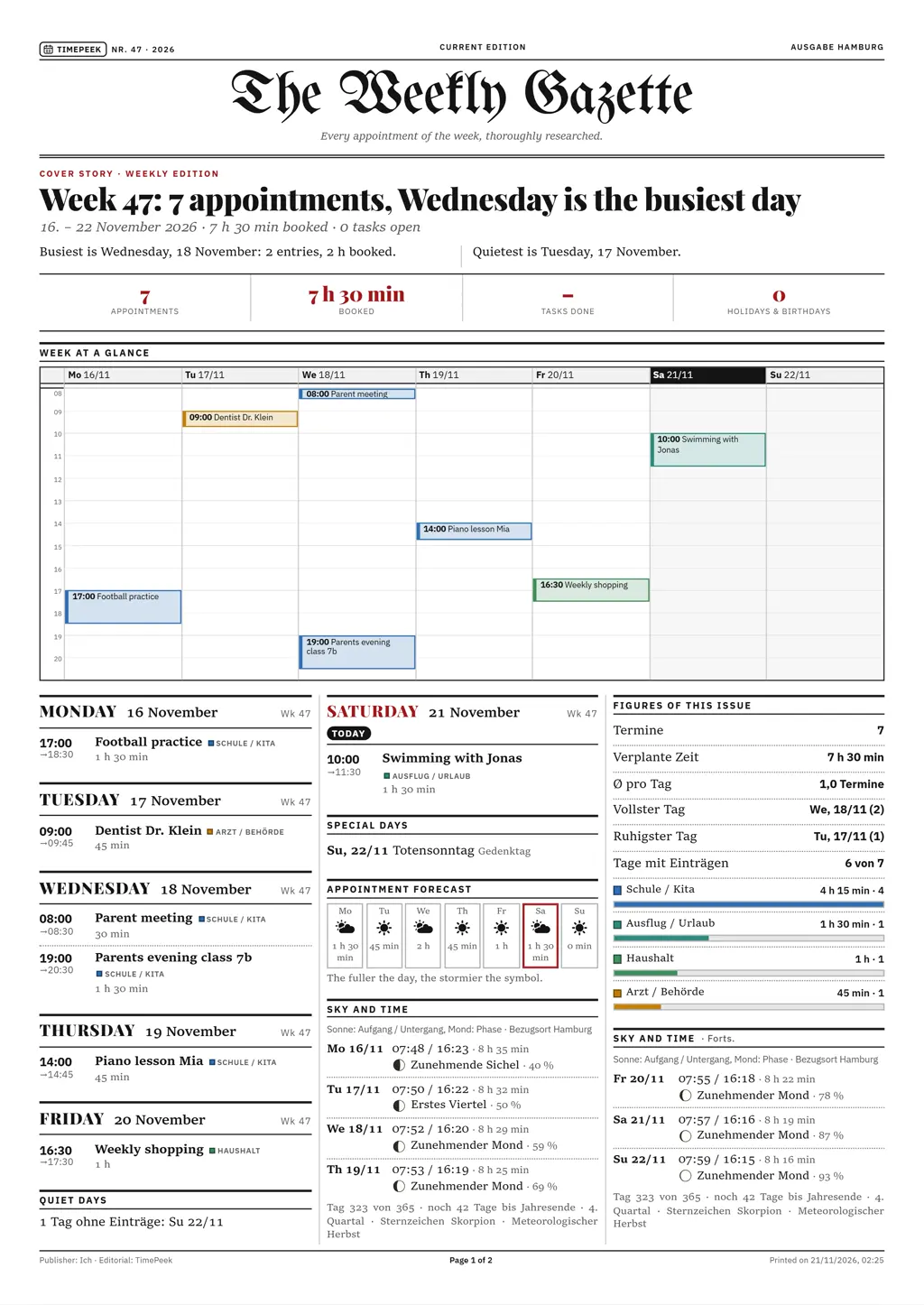
Every issue gets a headline from your own data: the busiest day, the quiet days, the planned time. You write nothing, you just print.
Blackletter masthead, serif headlines, column rules and fine tables. The issue looks printed, not like a screenshot.
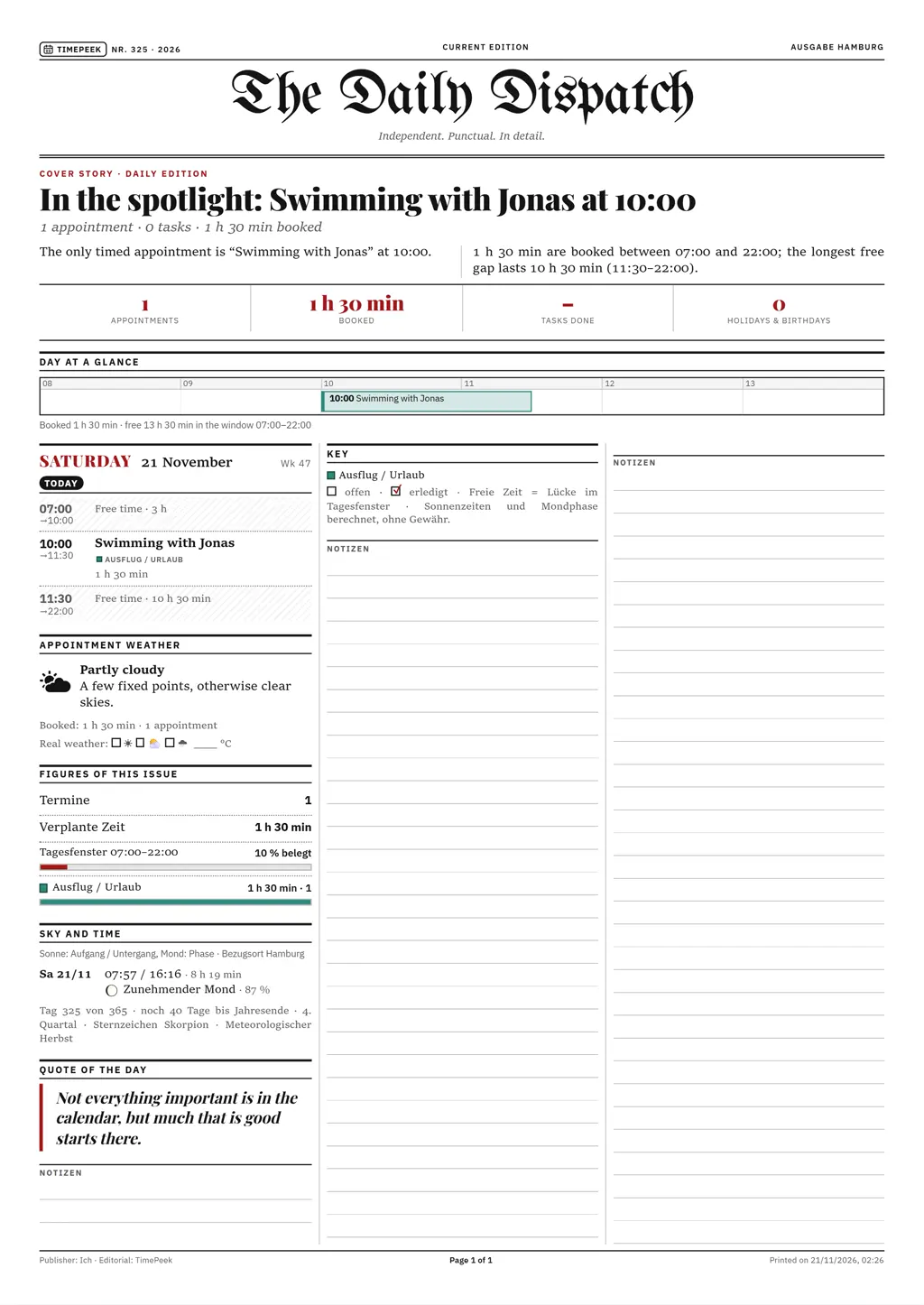
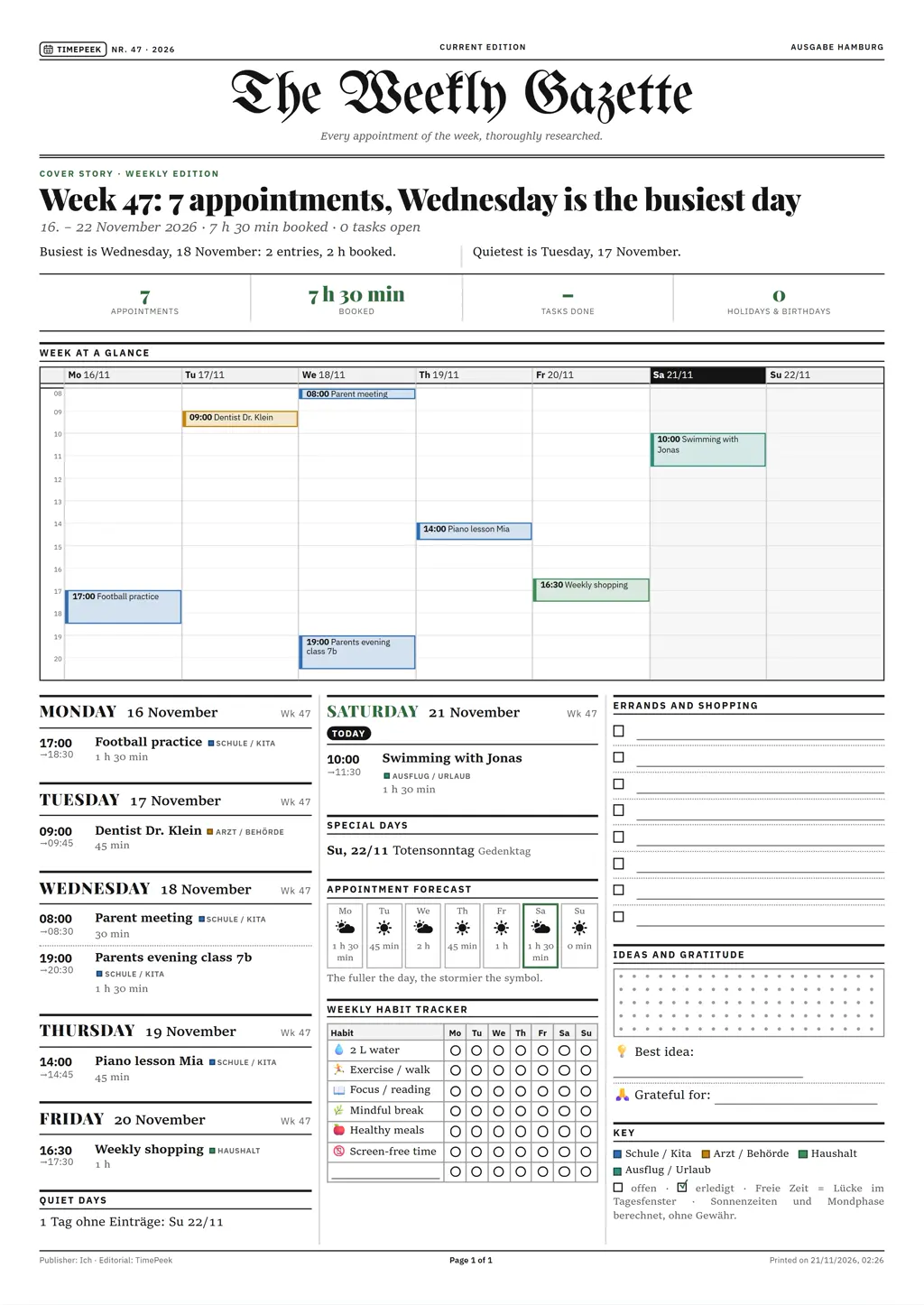
Name of the paper, motto, one to seven columns, sections switched on and off one by one. If you like, drag every block to its place yourself.
The issues
Tap a sheet to see the full page.
Style
A few clicks turn the newspaper into your own. Five templates give you a quick start, then you adjust every detail yourself.
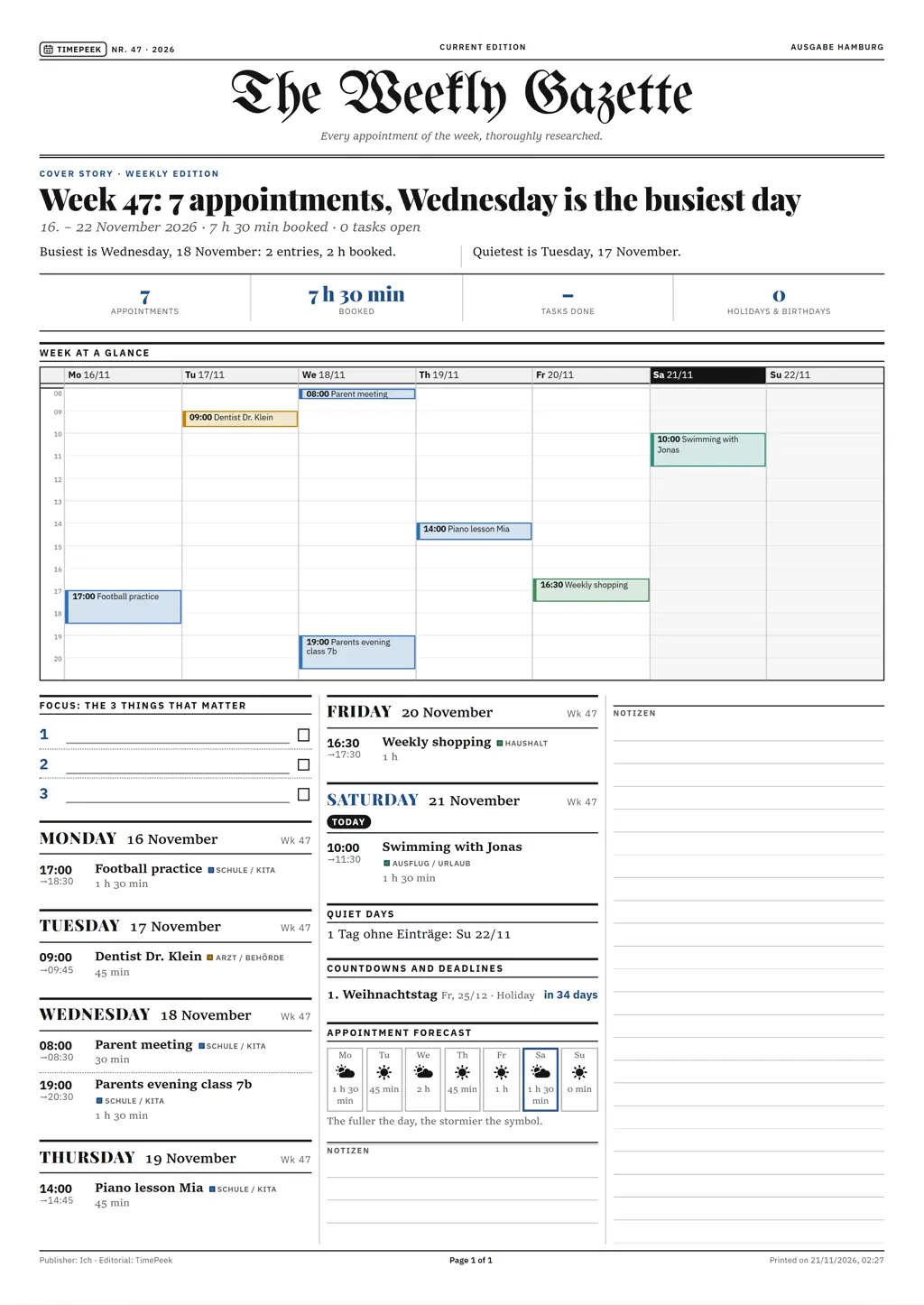
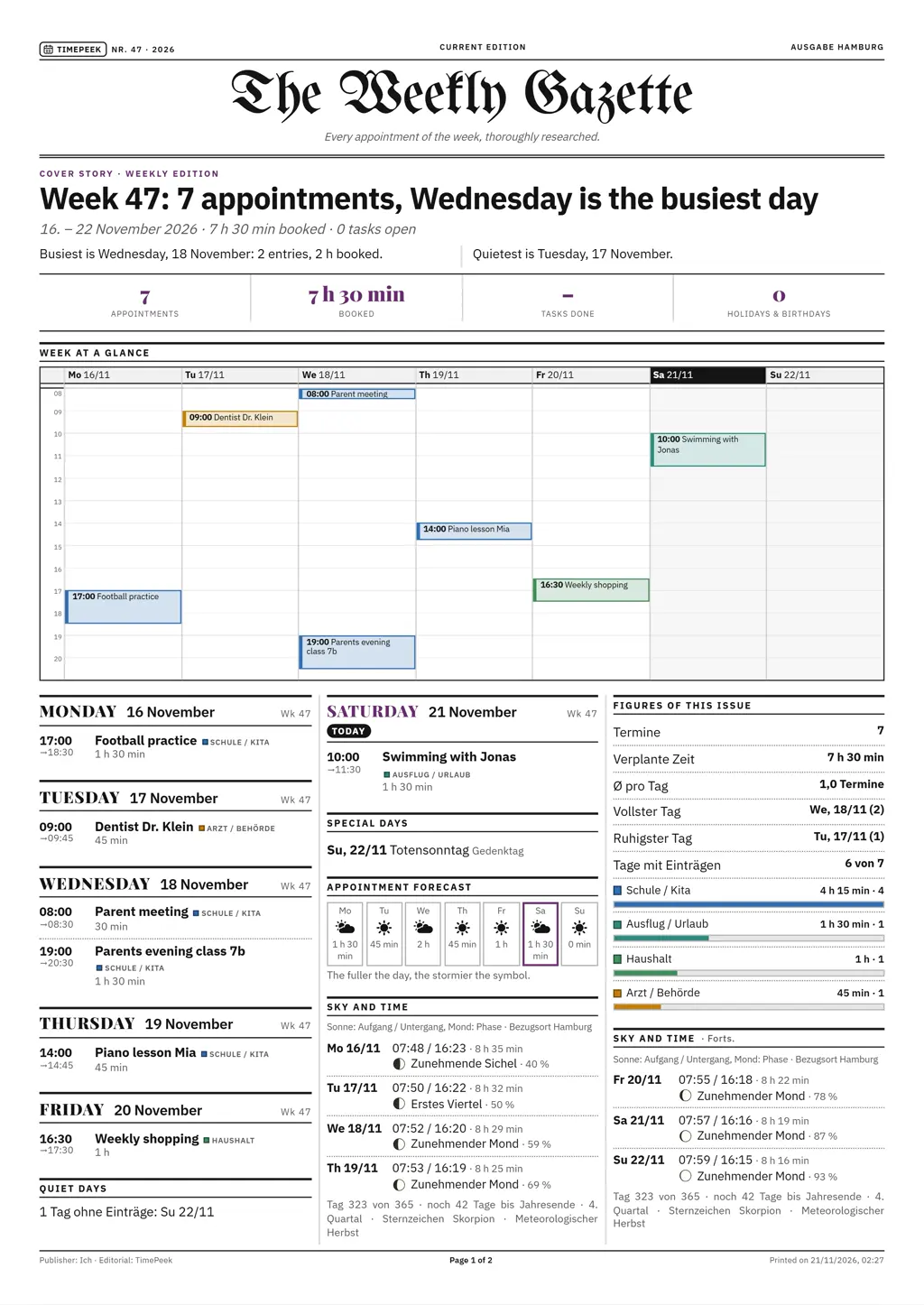
Two worlds
The newspaper theme colours the whole app: warm paper, serif type and calm lines. If you prefer analogue, print the same week as a sheet.
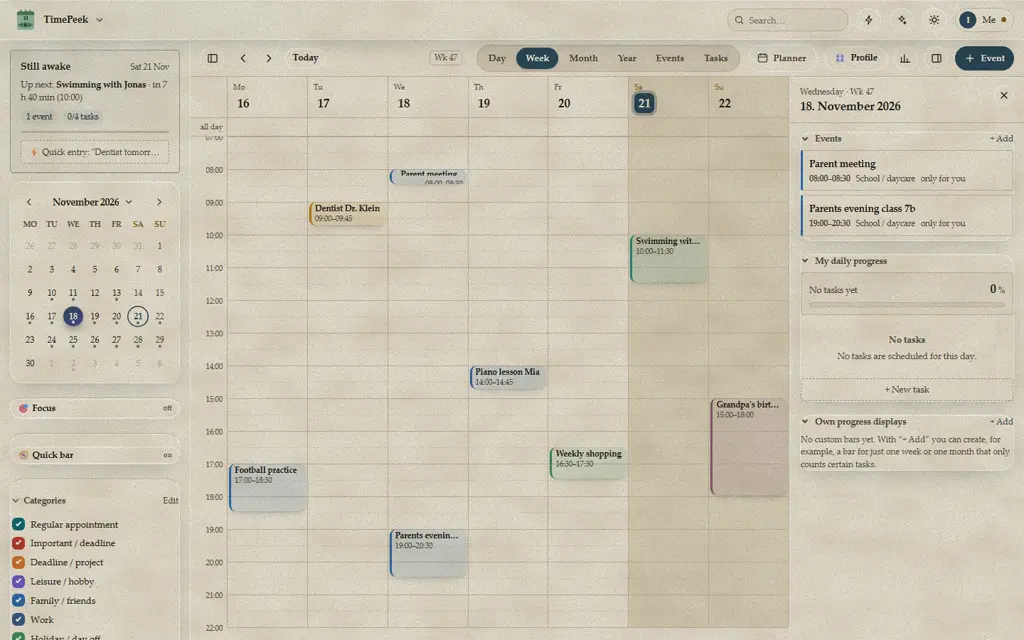
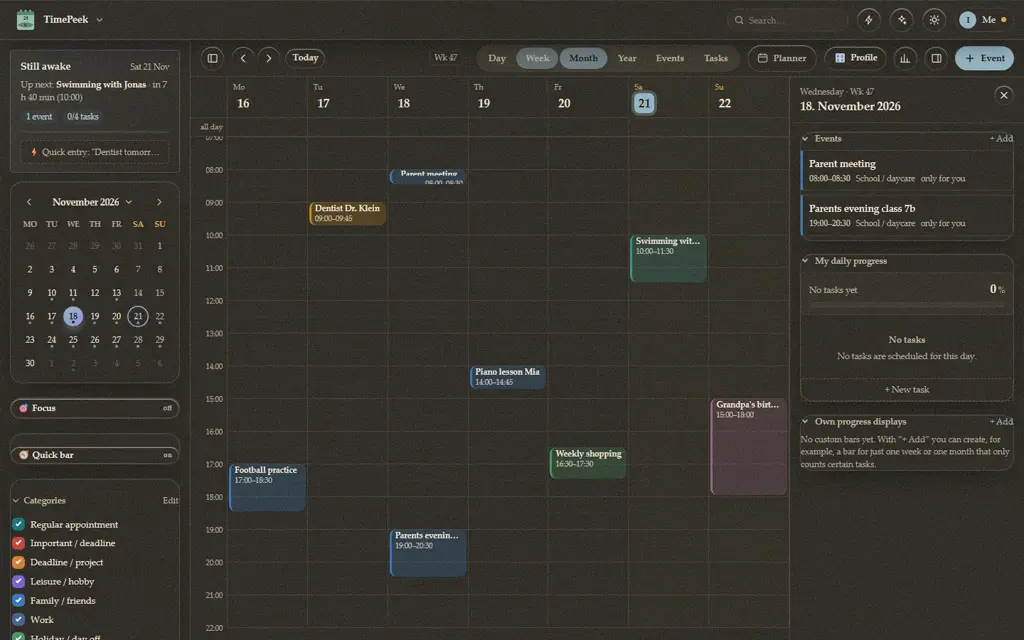
Who it is for
Pin the new week to the fridge every Sunday: events, shopping, birthdays and habits visible to everyone.
A notice for the classroom with exams, trips and parents evenings. Calmly set and instantly readable.
The week overview for the notice board: deadlines, appointments and responsibilities without a screen.
A sheet of paper instead of an app: parents and grandparents can follow along, even without a smartphone.
Enter events, tasks and birthdays as usual.
Day, week, month or custom range, plus template and format.
One click to PDF or straight to the printer.
The offer
The standard theme stays free. You can try the newspaper right in your calendar before you decide. Max already includes all themes, plus automatic newspaper printing at a fixed time.
Open the calendar, pick the newspaper, check the issue and save it as PDF or print it.
Try the newspaper